- Mark as New
- Bookmark
- Subscribe
- Subscribe to RSS Feed
- Permalink
- Report Inappropriate Content
03-16-2020 09:28 AM in
Galaxy Note
- Mark as New
- Subscribe
- Subscribe to RSS Feed
- Permalink
- Report Inappropriate Content
03-16-2020 09:50 AM in
Galaxy Note
- Mark as New
- Subscribe
- Subscribe to RSS Feed
- Permalink
- Report Inappropriate Content
03-16-2020 09:51 AM in
Galaxy Note
 Samsung_Support
- Mark as New
- Subscribe
- Subscribe to RSS Feed
- Permalink
03-18-2020 01:49 PM in
Galaxy NoteHi there,
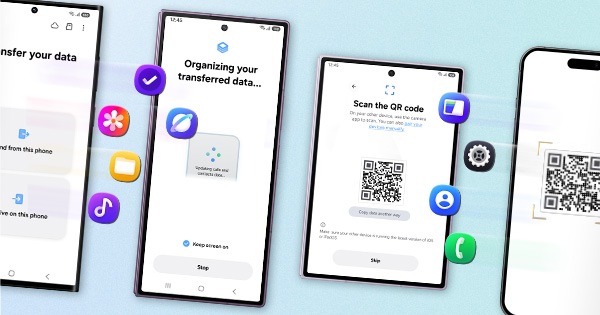
We would like to inform you that you can update the device software with the help of smart switch application. Please follow the below mentioned steps and check updating the software again:
- Kindly install smart switch application from Play store or Galaxy application in your device.
- Kindly install Smart Switch software in your PC from the below link: http://www.samsung.com/in/support/smartswitch/
- Connect your device to PC with the help of USB cable and try to update the software.
If still you are facing same issue please visit to the authorized Samsung service centre with device and have it inspected for further resolution.
For address details of Samsung Service centres follow the link mentioned below-
http://www.samsung.com/in/support/servicelocation/
Regards,
Team Samsung Members