- Mark as New
- Bookmark
- Subscribe
- Subscribe to RSS Feed
- Permalink
- Report Inappropriate Content
03-29-2020 05:37 PM in
Galaxy Note
- Mark as New
- Subscribe
- Subscribe to RSS Feed
- Permalink
- Report Inappropriate Content
03-29-2020 09:10 PM (Last edited 03-29-2020 09:11 PM ) in
Galaxy Note
 cs_member10
- Mark as New
- Subscribe
- Subscribe to RSS Feed
- Permalink
05-04-2020 06:59 PM in
Galaxy NoteDear Samsung Member,
Greetings from Samsung Customer Support!
Apologies for the delay in response. However, understanding the criticality of the situation; we had to ensure the wellbeing and safety of our employees which led to the delay in response.
Hope your issue is resolved. In case the issue still persists please follow the below mentioned steps, to resolve "Display" issue:
1) Safe mode:-Power off the device > Press and hold the Power key for one or two seconds to turn on the device > When the Samsung logo appears, press and hold the Volume down key.
Note :-To exit safe mode restart the device .
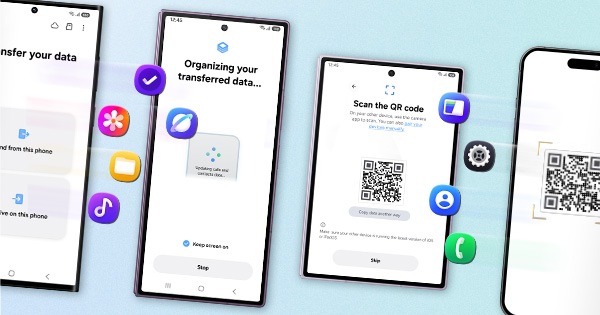
2)Reset the device: -Kindly create data backup of your device via SMART switch mobile application or http://www.samsung.com/in/support/smartswitch pc suite.
Tap on Settings>Tap on General Management>Tap on Reset.
If the issue still persist, kindly register your concern in Samsung Members app (Samsung Members app > Get help > Feedback > Error report/ask question).
Note: Please send device log files within 15 minutes of issue occurrence along with the exact issue details.
Thank you for writing to Samsung.
Warm Regards,
Samsung Customer Support