

- Mark as New
- Bookmark
- Subscribe
- Subscribe to RSS Feed
- Permalink
- Report Inappropriate Content
12-08-2020 11:28 AM (Last edited 12-08-2020 12:01 PM ) in
Galaxy M
- « Previous
- Next »
- Mark as New
- Subscribe
- Subscribe to RSS Feed
- Permalink
- Report Inappropriate Content
12-09-2020 07:52 AM in
Galaxy M
- Mark as New
- Subscribe
- Subscribe to RSS Feed
- Permalink
- Report Inappropriate Content
12-08-2020 11:09 PM in
Galaxy M
- Mark as New
- Subscribe
- Subscribe to RSS Feed
- Permalink
- Report Inappropriate Content
12-09-2020 07:53 AM in
Galaxy M
- Mark as New
- Subscribe
- Subscribe to RSS Feed
- Permalink
- Report Inappropriate Content
12-11-2020 10:15 PM in
Galaxy MDear Samsung Member,
Greetings from Samsung Customer Support!
Kindly follow below given steps in order to resolve your issue:-
1. Try different OTG with your device.
2. Reset the device:- How to reset: Settings>General Management>Reset>Reset settings: Reset all settings to their default.
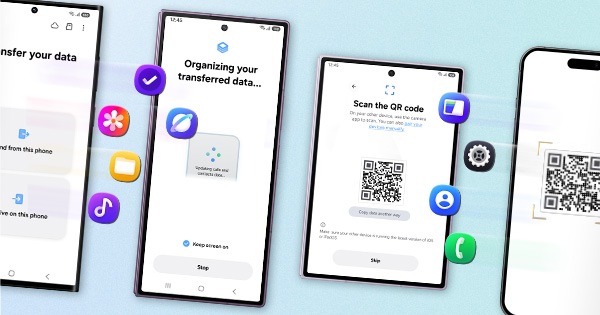
NOTE:- Before resetting, kindly create data backup of your device via SMART switch mobile application or http://www.samsung.com/in/support/smartswitch pc suite.
If the issue still persist, kindly visit the service center for the physical inspection of your device. To check for the nearest Samsung service center kindly click on the link:- https://www.samsung.com/in/support/service-center/
Thank you for writing to Samsung.
Warm Regards,
Samsung Customer Support


- « Previous
- Next »
