- Mark as New
- Bookmark
- Subscribe
- Subscribe to RSS Feed
- Permalink
- Report Inappropriate Content
11-06-2020 05:53 PM in
Others
- Mark as New
- Subscribe
- Subscribe to RSS Feed
- Permalink
- Report Inappropriate Content
11-06-2020 06:04 PM in
Others
- Mark as New
- Subscribe
- Subscribe to RSS Feed
- Permalink
- Report Inappropriate Content
11-06-2020 06:11 PM in
Others
- Mark as New
- Subscribe
- Subscribe to RSS Feed
- Permalink
- Report Inappropriate Content
11-19-2020 07:11 PM in
OthersDear Samsung Member,
Greetings from Samsung Customer Support!
To resolve the mic issue kindly follow below given steps:-
1. Disconnect all accessories plugged into the headphone jack like, selfie stick, headphone, Bluetooth, etc..
Remove any third-party case, protective films, or any other accessory that usually comes in contact with your device. (If any)
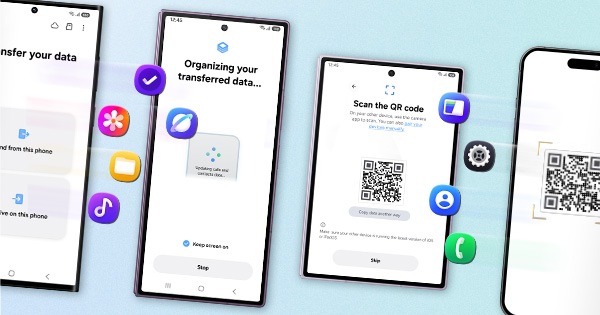
2. Reset the device and before resetting the device make sure to create data backup of your device via Smart Switch mobile application or http://www.samsung.com/in/support/smartswitch pc suite.
Settings > General Management > Reset.
For more information kindly follow steps provided in below given link:-
https://www.samsung.com/in/support/mobile-devices/samsung-mobile-microphone-not-working/
After performing the troubleshooting steps if the issue still persists, kindly get back to us with additional information- Error log File, Video or Screen-shots. This will help us to further investigate and resolve your concern.
(Samsung Members app > Get help > Feedback > Error report/ask question).
Thank you for writing to Samsung.
Warm Regards,
Samsung Customer Support