- Mark as New
- Bookmark
- Subscribe
- Subscribe to RSS Feed
- Permalink
- Report Inappropriate Content
10-21-2020 03:19 AM in
Galaxy Note
- Mark as New
- Subscribe
- Subscribe to RSS Feed
- Permalink
- Report Inappropriate Content
10-21-2020 09:44 AM in
Galaxy Note
- Mark as New
- Subscribe
- Subscribe to RSS Feed
- Permalink
- Report Inappropriate Content
10-30-2020 08:03 PM in
Galaxy NoteDear Samsung Member,
Greetings from Samsung Customer Support!
We apologize for the inconvenience caused to you. To resolve "fingerprint" issue kindly follow the given below steps:-
1. Try after register a new fingerprint. To register a new fingerprint:-
Settings> Bio metric and security>Fingerprints > Continue > Set secure screen lock > Start with center.
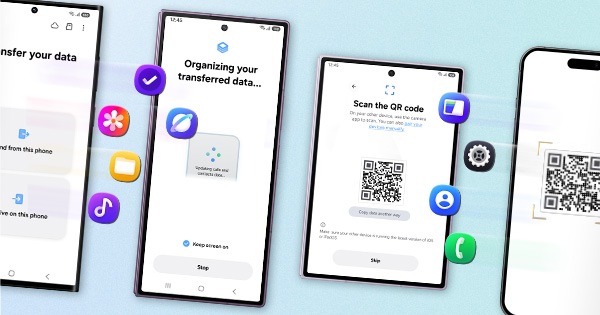
2. Reset the device and before resetting the device make sure to create backup of your device via Smart Switch mobile application or http://www.samsung.com/in/support/smartswitch pc suite
Settings > General Management > Reset.
After performing the troubleshooting steps if the issue still persists, kindly get back to us with additional information- Error log File, Video or Screen-shots. This will help us to further investigate and resolve your concern (Samsung Members app > Get help > Feedback > Error report/ask question).
Note: Please send device log files within 15 minutes of issue occurrence along with the exact issue details.
Thank you for writing to Samsung.
Warm Regards,
Samsung Customer Support