

- Mark as New
- Subscribe to RSS Feed
- Permalink
06-04-2020 01:16 PM in
Community Guidelines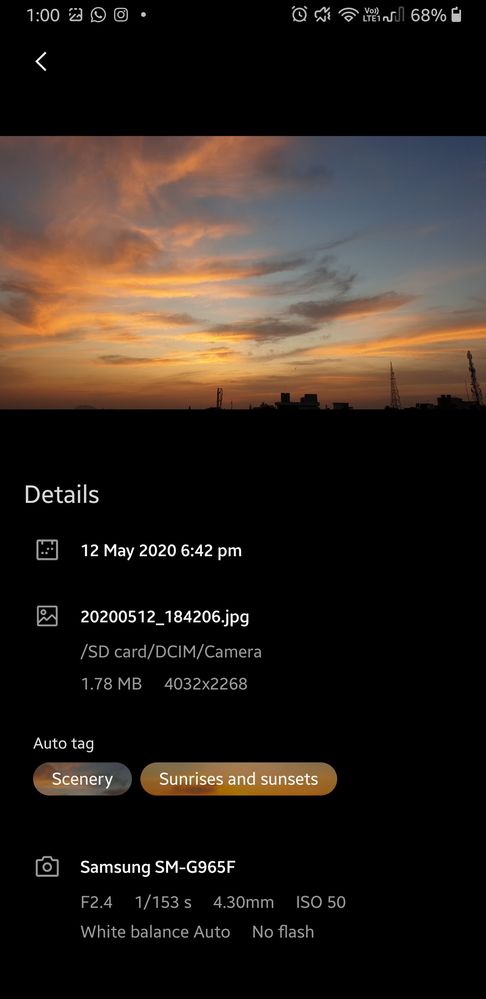

- Mark as New
- Subscribe to RSS Feed
- Permalink
01-06-2021 02:19 PM in
Community Guidelinesnature


- Mark as New
- Subscribe to RSS Feed
- Permalink
01-07-2021 08:58 PM in
Community Guidelines

- Mark as New
- Subscribe to RSS Feed
- Permalink
01-10-2021 08:50 AM in
Community Guidelines
- Mark as New
- Subscribe to RSS Feed
- Permalink
01-10-2021 08:50 AM in
Community Guidelines
- Mark as New
- Subscribe to RSS Feed
- Permalink
01-10-2021 08:51 AM in
Community Guidelines
- Mark as New
- Subscribe to RSS Feed
- Permalink
01-10-2021 08:51 AM in
Community Guidelines
- Mark as New
- Subscribe to RSS Feed
- Permalink
01-10-2021 08:51 AM in
Community Guidelines
- Mark as New
- Subscribe to RSS Feed
- Permalink
01-10-2021 08:52 AM in
Community Guidelines
- Mark as New
- Subscribe to RSS Feed
- Permalink
01-10-2021 08:52 AM in
Community Guidelines
- Mark as New
- Subscribe to RSS Feed
- Permalink
01-10-2021 08:53 AM in
Community Guidelines
