- Mark as New
- Subscribe to RSS Feed
- Permalink
07-16-2020 08:51 PM in
Tablets

- Mark as New
- Subscribe to RSS Feed
- Permalink
07-18-2020 04:30 PM in
TabletsDear Samsung Member,
Greetings from Samsung Customer Support!
Please be assured and to resolve "OTG" issue kindly follow the given below steps:
1) Try different OTG with your device.
2) Check by other pen drive.
3) Check USB connection :- Perform interactive checks through the Samsung Member apps (Samsung members -> Get Help -> Interactive checks -> Charger/USB).
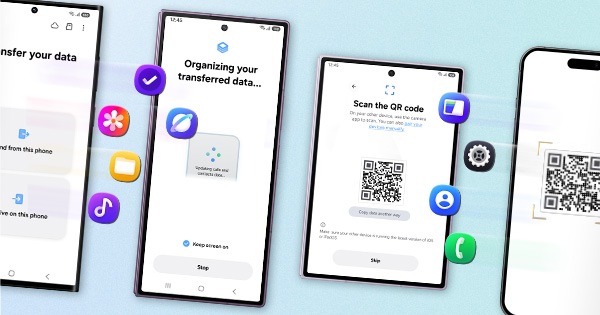
4)Reset the device and before resetting the device make sure to create data backup of your device via SMART switch mobile application or http://www.samsung.com/in/support/smartswitch pc suite.
Settings> General Management> Reset.
If the issue still persist, kindly register your concern in Samsung Members app (Samsung Members app > Get help > Feedback > Error report/ask question) alomh with the Video or Screen-shots. This will help us to further investigate and resolve your concern."
Note: Please send device log files within 15 minutes of issue occurrence along with the exact issue details.
Thank you for writing to Samsung.
Warm Regards,
Samsung Customer Support