- Mark as New
- Bookmark
- Subscribe
- Subscribe to RSS Feed
- Permalink
- Report Inappropriate Content
06-28-2020 08:59 AM in
Galaxy S
- Mark as New
- Subscribe
- Subscribe to RSS Feed
- Permalink
- Report Inappropriate Content
06-30-2020 01:33 PM in
Galaxy SDear Samsung Member,
Greetings from Samsung Customer Support!
We are very sorry for the inconvenience caused to you, please be assured and perform following methods to resolve the "Display issue" :
1) Check device in safe mode - Using Safe Mode on a Samsung phone allows you to force the device to run the essential operating system, and disable most 3rd party applications.
To enter in safe mode: Press and hold the Power key, when Power off icon appears>Press and hold the power off icon.
To Exit safe mode: Restart the device.
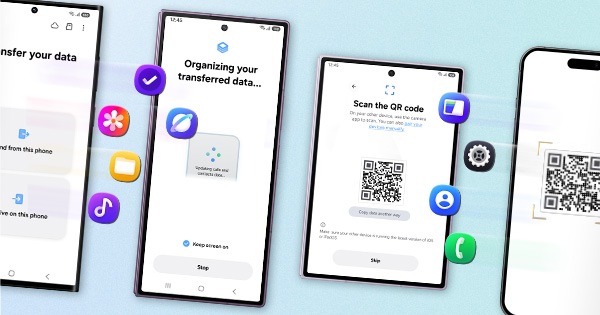
2) Reset the Device :- Kindly create data backup of your device via SMART switch mobile application or http://www.samsung.com/in/support/smartswitch pc suite
How to reset :- Settings>General Management>Reset
If the issue still persist, kindly register your concern in Samsung Members app (Samsung Members app > Get help > Feedback > Error report).
Note: Please send device log files within 15 minutes of issue occurrence along with the exact issue details.
Thank you for writing to Samsung.
Warm Regards,
Samsung Customer Support