- Mark as New
- Bookmark
- Subscribe
- Subscribe to RSS Feed
- Permalink
- Report Inappropriate Content
09-26-2020 04:36 PM in
Galaxy Note
- Mark as New
- Subscribe
- Subscribe to RSS Feed
- Permalink
- Report Inappropriate Content
09-26-2020 04:52 PM in
Galaxy Note
- Mark as New
- Subscribe
- Subscribe to RSS Feed
- Permalink
- Report Inappropriate Content
09-26-2020 08:37 PM in
Galaxy Noteex. if you have set for 30sec then it will turn off in 30sec

- Mark as New
- Subscribe
- Subscribe to RSS Feed
- Permalink
- Report Inappropriate Content
09-28-2020 05:57 PM in
Galaxy NoteDear Samsung Member,
Greetings from Samsung Customer Support!
To resolve auto restart issue please follow below given steps:-
1. Check device in safe mode:- Using Safe Mode on a Samsung phone allows you to force the device to run the essential operating system, and disable most 3rd party applications.
To enter in safe mode:- Press and hold the Power key, when Power off icon appears > Press and hold the power off icon.
To exit safe mode restart the device.
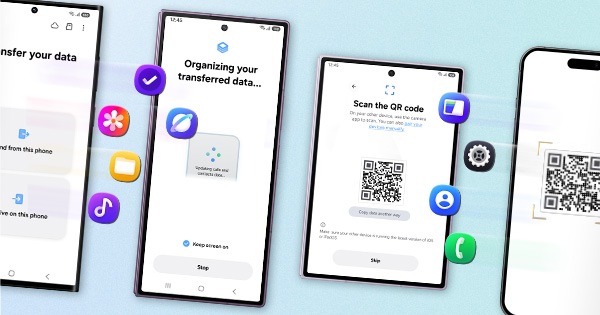
2. Reset the device:- Before resetting, kindly create data backup of your device via SMART switch mobile application or http://www.samsung.com/in/support/smartswitch pc suite.
How to reset:- Settings > General management > Reset.
If the issue still persist, kindly register your concern in Samsung Members app along with short video while phone is restarting and error log file(Samsung Members app > Get help > Feedback > Error report/ask question).
Note: Please send device log files within 15 minutes of issue occurrence along with the exact issue details.
Thank you for writing to Samsung.
Warm Regards,