- Mark as New
- Subscribe to RSS Feed
- Permalink
07-19-2020 01:33 PM in
Galaxy Note
- Mark as New
- Subscribe to RSS Feed
- Permalink
07-21-2020 10:40 AM in
Galaxy NoteDear Samsung Member,
Greetings from Samsung Customer Support!
Please be assured and perform following methods to resolve the Camera issue:-
1. Please clear data or cache of Camera Application(Tap Settings > Apps > Camera > Storage > Clear Cache/data).
2. Check device in safe mode:- Using Safe Mode on a Samsung phone allows you to force the device to run the essential operating system, and disable most 3rd party applications.
To enter in safe mode: Press and hold the Power key, when Power off icon appears>Press and hold the power off icon.
To Exit safe mode: Restart the device.
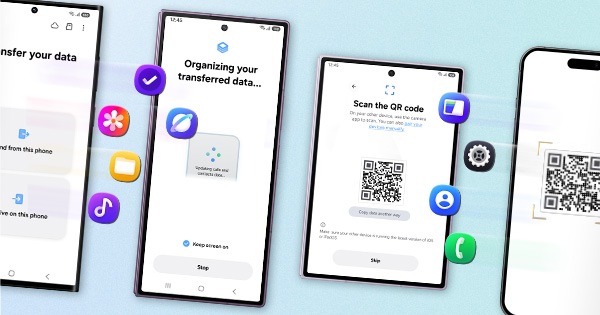
3. Reset the Device :- Kindly create data backup of your device via SMART switch mobile application or http://www.samsung.com/in/support/smartswitch pc suite
How to reset:- Settings>General Management>Reset.
If the issue still persist, kindly register your concern in Samsung Members app (Samsung Members app > Get help > Feedback > Error report/ask question).
Note: Please send device log files within 15 minutes of issue occurrence along with the exact issue details.
Thank you for writing to Samsung.
Warm Regards,
Samsung Customer Support