

- Mark as New
- Bookmark
- Subscribe
- Subscribe to RSS Feed
- Permalink
- Report Inappropriate Content
08-16-2020 04:14 PM in
Galaxy Mi am purchasing samsung galaxy M31 on 11-08-2020. just 4 days later i purchased the mobile but network issues is repeated from the date of purchase. they suggested for sim slot 1 and network selection option but no use. it is going on middle drops network. overall worst performance of samsung galaxy M31. Please provide some solution this problem.

- Mark as New
- Subscribe
- Subscribe to RSS Feed
- Permalink
- Report Inappropriate Content
08-16-2020 04:15 PM in
Galaxy M
- Mark as New
- Subscribe
- Subscribe to RSS Feed
- Permalink
- Report Inappropriate Content
08-16-2020 04:15 PM in
Galaxy M
- Mark as New
- Subscribe
- Subscribe to RSS Feed
- Permalink
- Report Inappropriate Content
08-16-2020 07:32 PM in
Galaxy M
 Samsung_Support
- Mark as New
- Subscribe
- Subscribe to RSS Feed
- Permalink
08-18-2020 07:20 PM in
Galaxy MDear Samsung Member,
Greetings from Samsung Customer Support!
To resolve "network" issue please follow below given steps:
1. Reset Network Settings:- Go to apps screen >Settings >General Management >Reset >Reset Network Setting.
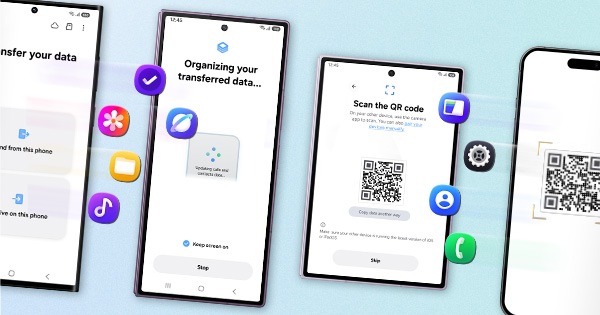
2. Reset the device: -Kindly create data backup of your device via SMART switch mobile application or http://www.samsung.com/in/support/smartswitch pc suite.
Tap on Settings>Tap on General Management>Tap on Reset.
If the issue still persist, kindly register your concern in Samsung Members app (Samsung Members app > Get help > Feedback > Error report/ask question).
Note: Please send device log files within 15 minutes of issue occurrence along with the exact issue details.
Thank you for writing to Samsung.
Warm Regards,
Samsung Customer Support
- Mark as New
- Subscribe
- Subscribe to RSS Feed
- Permalink
- Report Inappropriate Content
11-16-2021 06:55 AM in
Galaxy MFollow my solution. Hit like/comment if it worked or not.
Cheers!!!
