

- Mark as New
- Bookmark
- Subscribe
- Subscribe to RSS Feed
- Permalink
- Report Inappropriate Content
06-04-2020 01:16 PM in
Community Guidelines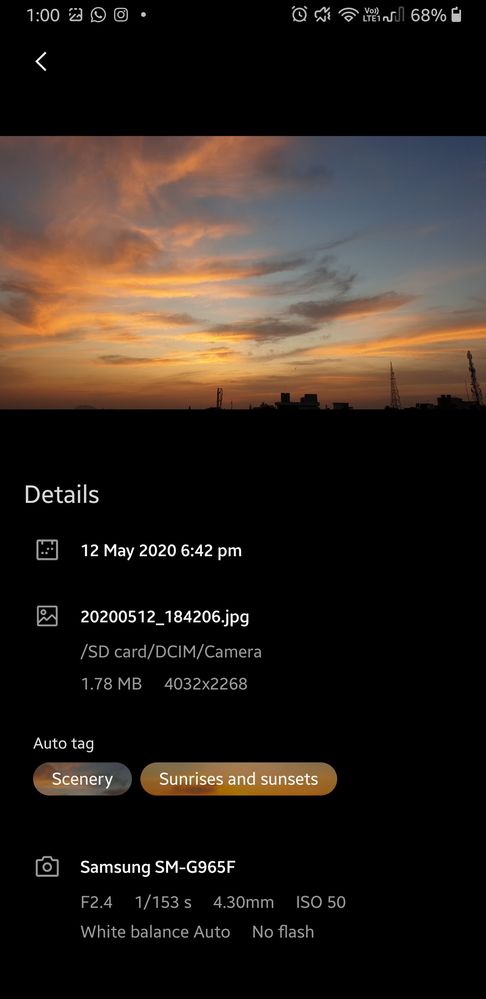
- Mark as New
- Subscribe
- Subscribe to RSS Feed
- Permalink
- Report Inappropriate Content
06-11-2020 07:00 PM in
Community Guidelines
- Mark as New
- Subscribe
- Subscribe to RSS Feed
- Permalink
- Report Inappropriate Content
06-11-2020 08:43 PM in
Community Guidelines
- Mark as New
- Subscribe
- Subscribe to RSS Feed
- Permalink
- Report Inappropriate Content
06-12-2020 09:34 AM (Last edited 06-12-2020 09:34 AM ) in
Community Guidelines
- Mark as New
- Subscribe
- Subscribe to RSS Feed
- Permalink
- Report Inappropriate Content
06-12-2020 10:36 AM in
Community Guidelines
- Mark as New
- Subscribe
- Subscribe to RSS Feed
- Permalink
- Report Inappropriate Content
06-12-2020 10:51 AM (Last edited 06-12-2020 10:52 AM ) in
Community Guidelines
- Mark as New
- Subscribe
- Subscribe to RSS Feed
- Permalink
- Report Inappropriate Content
06-12-2020 05:37 PM in
Community Guidelines
- Mark as New
- Subscribe
- Subscribe to RSS Feed
- Permalink
- Report Inappropriate Content
06-13-2020 01:08 AM in
Community Guidelines
- Mark as New
- Subscribe
- Subscribe to RSS Feed
- Permalink
- Report Inappropriate Content
06-13-2020 09:26 AM in
Community Guidelines
- Mark as New
- Subscribe
- Subscribe to RSS Feed
- Permalink
- Report Inappropriate Content
06-13-2020 09:29 AM in
Community Guidelineshttps://r2.community.samsung.com/t5/Tech-Talk/Take-Customisation-To-The-Next-Level/td-p/3124091

- Mark as New
- Subscribe
- Subscribe to RSS Feed
- Permalink
- Report Inappropriate Content
06-13-2020 01:16 PM (Last edited 06-13-2020 01:16 PM ) in
Community GuidelinesAperature : F1.7 , 3.92 cm
Shutter Speed : 1/2000 sec
ISO Sensitivity : 100


